FREE · OPEN SOURCE · OFFLINE
SONARCHEFrom the stream into the Ark.
A music library that's truly yours: every track identified by its own audio, named in plain files, played on a native engine.
SCROLL ↓
THE FLOW
A link goes in.A library comes out.
Four moves, one uninterrupted pipeline, and nothing to click after the first paste.
STEP 01
Paste a link
A track, an album, a whole playlist. Drop it in the composer and the voyage lines up: one row per track, before anything is brought in.
Already in the hold? It's skipped, silently.
STEP 02
Watch it come aboard
Circles turn green one by one as the native audio is hauled in and lands in the hold, untouched, never re-encoded.
Close the window mid-haul: the queue picks up where it stopped.
STEP 03
Fingerprint & identify
ffmpeg and Chromaprint distill the audio itself into an acoustic fingerprint. AcoustID answers with exactly which recording this is, with no title-guessing involved.
No confident match? It says so and asks, instead of inventing an artist.
STEP 04
It gets its name
Title, artist, album, genre, track, year. And the real cover. All of it written into the file's own tags, and into the folder it now lives in.
Into the files themselves, not into a database only Sonarche can read.
THE OLD WAY
You already know the old way.
Five tools, four tabs, and a download folder that looks like a crime scene. Every step loses something on the way.
TAB 1
A converter site
One link at a time, converted on somebody else's server. You wait in a queue, then the browser drops the file wherever it feels like.
Slow, one track, re-encoded.
APP 1
A bulk downloader
Handles the playlist, at least. But it fills the tags from the file name, so your artist is « Unknown » and your album is blank.
Tags are a guess.
APP 2
A tag editor
Open every file. Retype the title, the artist, the year, the track number. Multiply by 80.
Hours of typing.
TAB 2
An image search
Hunt for a square cover that isn't a watermarked thumbnail, crop it, hope it matches the right pressing.
Wrong artwork forever.
APP 3
Your music player
Move the files in, re-scan the folder, then discover three duplicates and one album split in two.
A messy library anyway.
Sonarche does all five. In one window.
Point it at a link and walk away. The audio lands in the hold, gets listened to, identified, tagged, given its real cover, filed in the right folder. Then it plays, on a native Rust audio engine. No hand-off, no re-import, no second app.
TRUE NAMES
It doesn't read the title.It listens to the song.
Most tools just copy whatever text happened to come with the file. That's how you end up with an artist called « Official Audio ». Sonarche never guesses: ffmpeg and Chromaprint turn the waveform itself into a fingerprint, AcoustID matches that fingerprint to one exact recording, and MusicBrainz hands back the real facts, out of twenty years of community-verified discography.
SCRAPED FROM THE PAGE
best guess
- Title
- Ghost - Mary On A Cross (Official Audio) [HQ]
- Artist
- unknown, read off the file name
- Album
- —
- Year
- 2022 (file date)
- Artwork
- embedded thumbnail, 16:9, letterboxed
IDENTIFIED BY THE AUDIO
verified
- Title
- Mary on a Cross
- Artist
- Ghost
- Album
- Seven Inches of Satanic Panic
- Year
- 2019
- Artwork
- official front cover, 1400×1400
And the cover comes with it. The real square artwork, not the fourth result on Google Images.
NO EXPERTISE NEEDED
You don't need to know what a tag is.
Everything that can be automated already is, so you get a tidy library without ever opening a metadata editor. What's left, the app explains in plain words instead of empty fields.
And when it disagrees with you, you win. Convinced your favourite record is Thrash, not Heavy Metal? Change it. One click, no friction, and Sonarche tells you exactly what it wrote, into which files, in words you don't need a wiki for.
- Sensible defaults on import: most albums need nothing from you at all.
- Anything uncertain is flagged in plain language, with the choice spelled out.
- Every edit tells you which files it touched, before and after.
Genre — Ride the Lightning
What just happened
Thrash Metal sits under the Metal family, so the album stays where it is in your library. The new genre is written into all 8 files' tags, and nothing else changes.
Genre family
THE HOLD IS YOURS
Nothing here is locked.It's only files.
Everything lands in Music/Sonarche/, right beside the folder your current app already uses. The names live in the files themselves, in the same tag standards every player has read for twenty years. Sonarche organises your music and hands it straight back; it never holds it hostage.
- Music
- Sonarche
- Ghost
- Seven Inches of Satanic Panic (2019)
- 01 Kiss the Go-Goat.opus
- 02 Mary on a Cross.opus
- cover.jpg
- YourOtherMusicApp
Drag the folder anywhere and it still works.
- A phoneplug it in, drop the folder, done
- A hard driveyour backup is a copy-paste
- Another playerthe tags are standard, so it reads them
- Another machineno account, no re-import, no sync service
If you decide you don't like Sonarche, your library leaves with you, fully tagged.
UNDER THE DECK
No magic. Proven tools, conducted well.
You don't have to care about any of this, but here it is, in plain words, because you deserve to know what's running on your machine.
THE SHELL
Tauri, not a browser tab
The interface is built with modern web tooling, so it can be genuinely nice to look at and to use, but it ships as a real desktop app, a few megabytes, not a bundled browser eating your RAM.
THE ENGINE
Rust underneath
Everything heavy runs in Rust: fetching, file writes, audio playback. That's the difference between a player that stutters and one that just starts.
THE TOOLBOX
A sealed sidecar
beets and its Python tools live inside the app, in their own bundled runtime. Nothing to install, nothing to update, and nothing that can clash with whatever is already on your machine.
The stream
A URL out there: a track, an album, a playlist.
the open web
Your folders
What you already have: a home port, not just a loading dock. Copied in, never moved.
no network
yt-dlp
Hauls the native audio in. No re-encode, ever.
ffmpeg + Chromaprint
Distills each track into an acoustic fingerprint.
beets
the conductor
Directs every call, checks every tag, and files each track into its right place in the library.
Identify
- AcoustID — matches the acoustic fingerprint to the exact recording.
- MusicBrainz — the open encyclopedia: titles, albums, years.
Dress
- Cover Art Archive — the covers.
- Last.fm — the genres.
Accompany
- LRCLIB — synced lyrics, the ones that follow the music.
- lyrics.ovh — backup lyrics, plain text, when LRCLIB has nothing.
These services are queried on demand, never required. You have no account to create and no key to paste: the app introduces itself politely and spaces out its calls.
📁 /sonarche
After all that, it's just a folder of music. Yours. Open it, move it, back it up.
EMBEDDED PYTHON · SEALED, SHIPPED WITH THE APP
THE DECK
Your library,your rules.
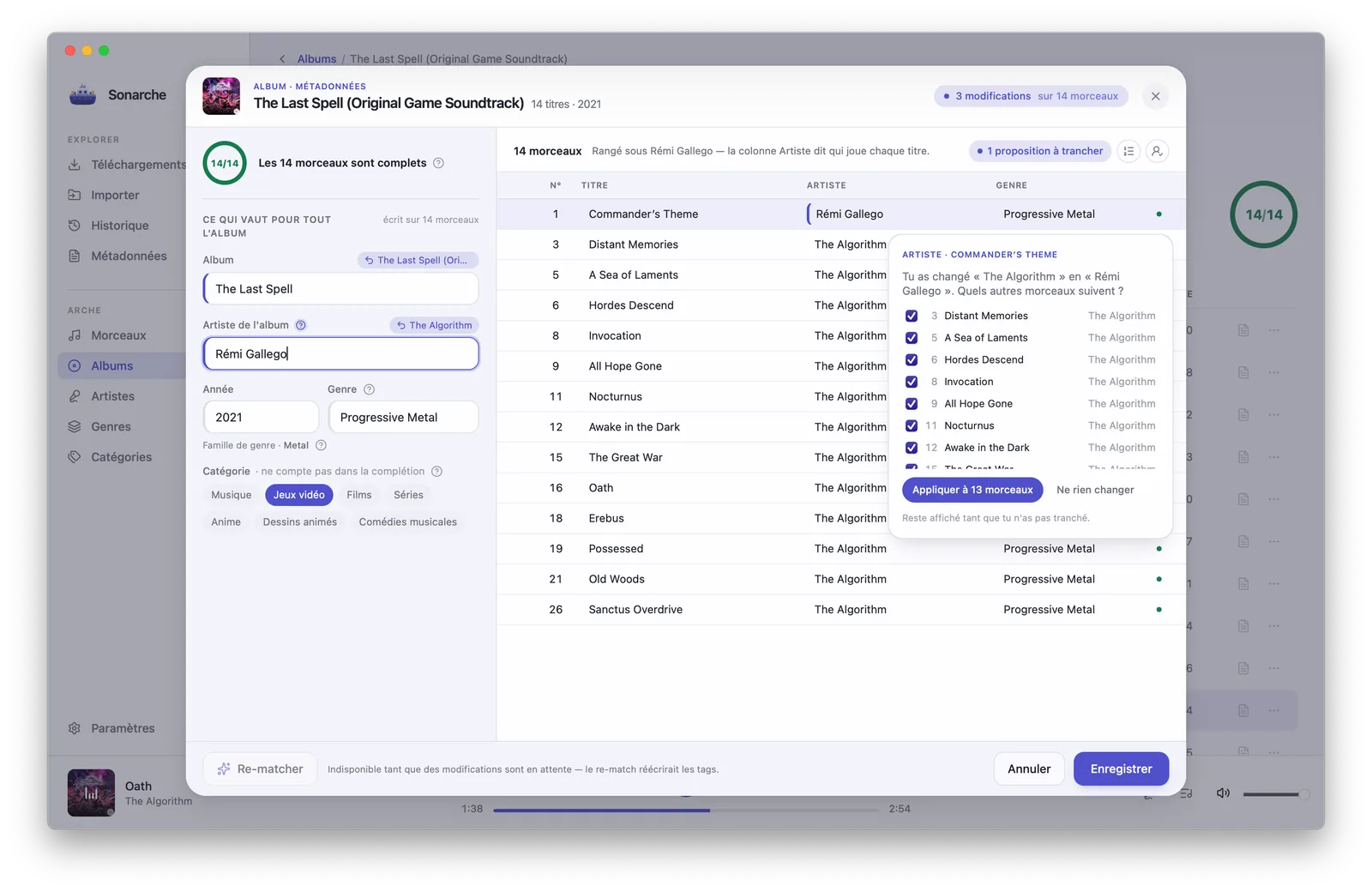
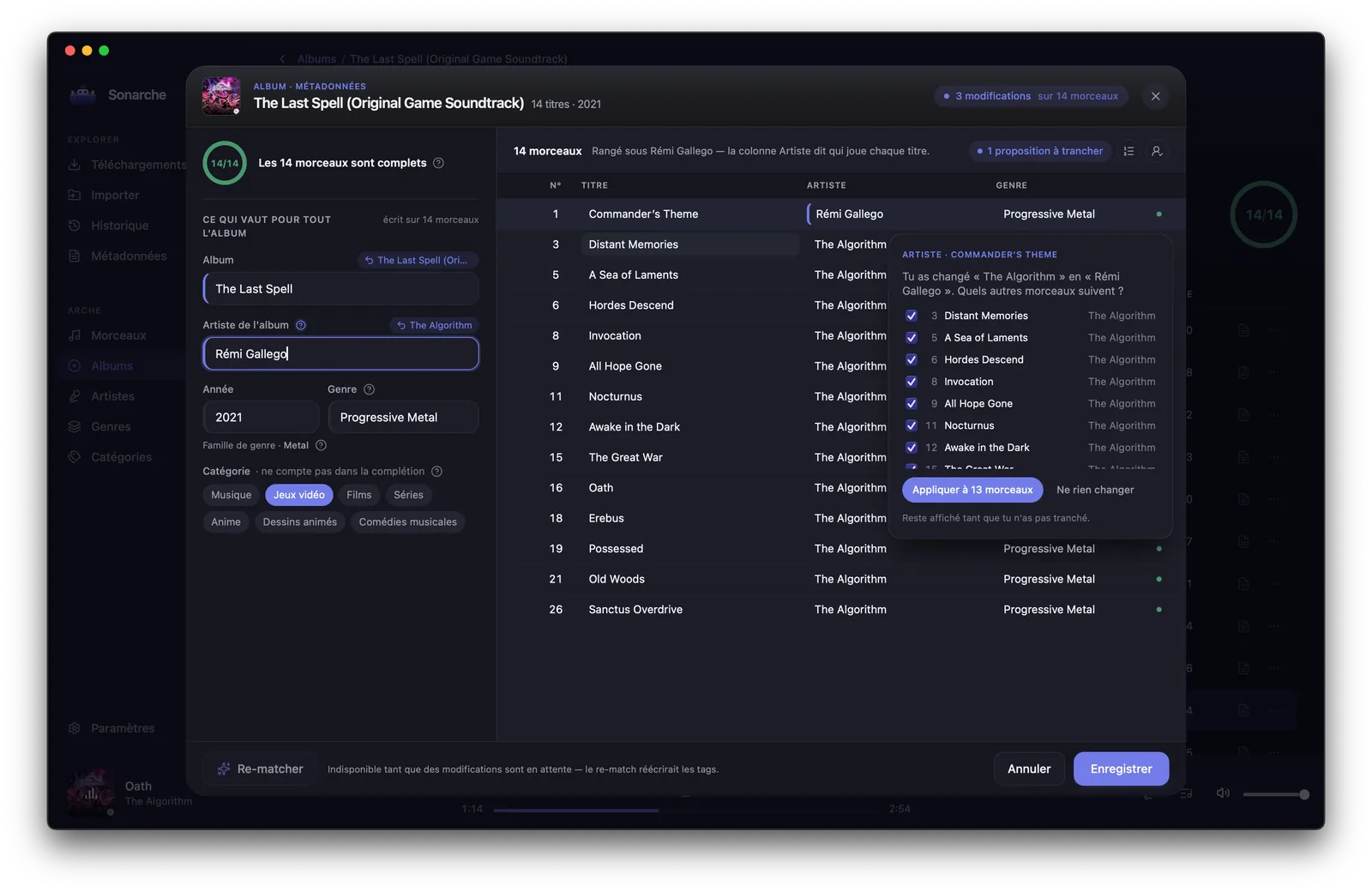
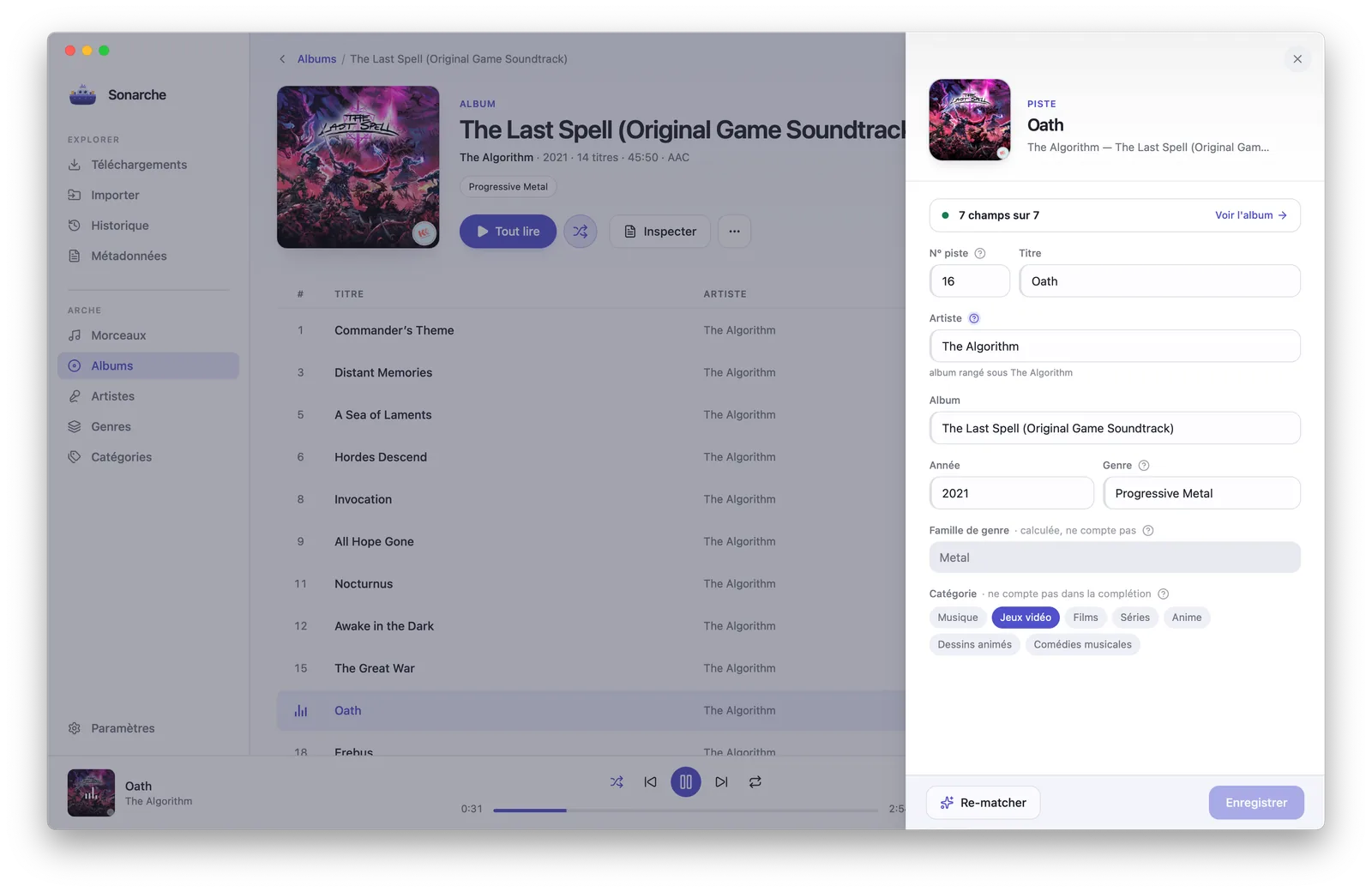
Albums, artists, genre families, organized by verified metadata and browsable like a real collection. Every single field stays editable, and one click re-runs the fingerprint if a match was wrong.
- Change once: written to every file.
- Completeness at a glance: 7/7 fields, 100% badges.
- Genres form families (Metal, Electronic, Jazz), each with its own tone.
Metadata — Oath
- Title
- Oath
- Artist
- The Algorithm
- Year
- 2021
- Genre
- Progressive Metal
- Genre family
- Metal · derived
✦ Re-match
Edit
THE SHIP'S SOUND
Not just the harbor:the ship's own sound.
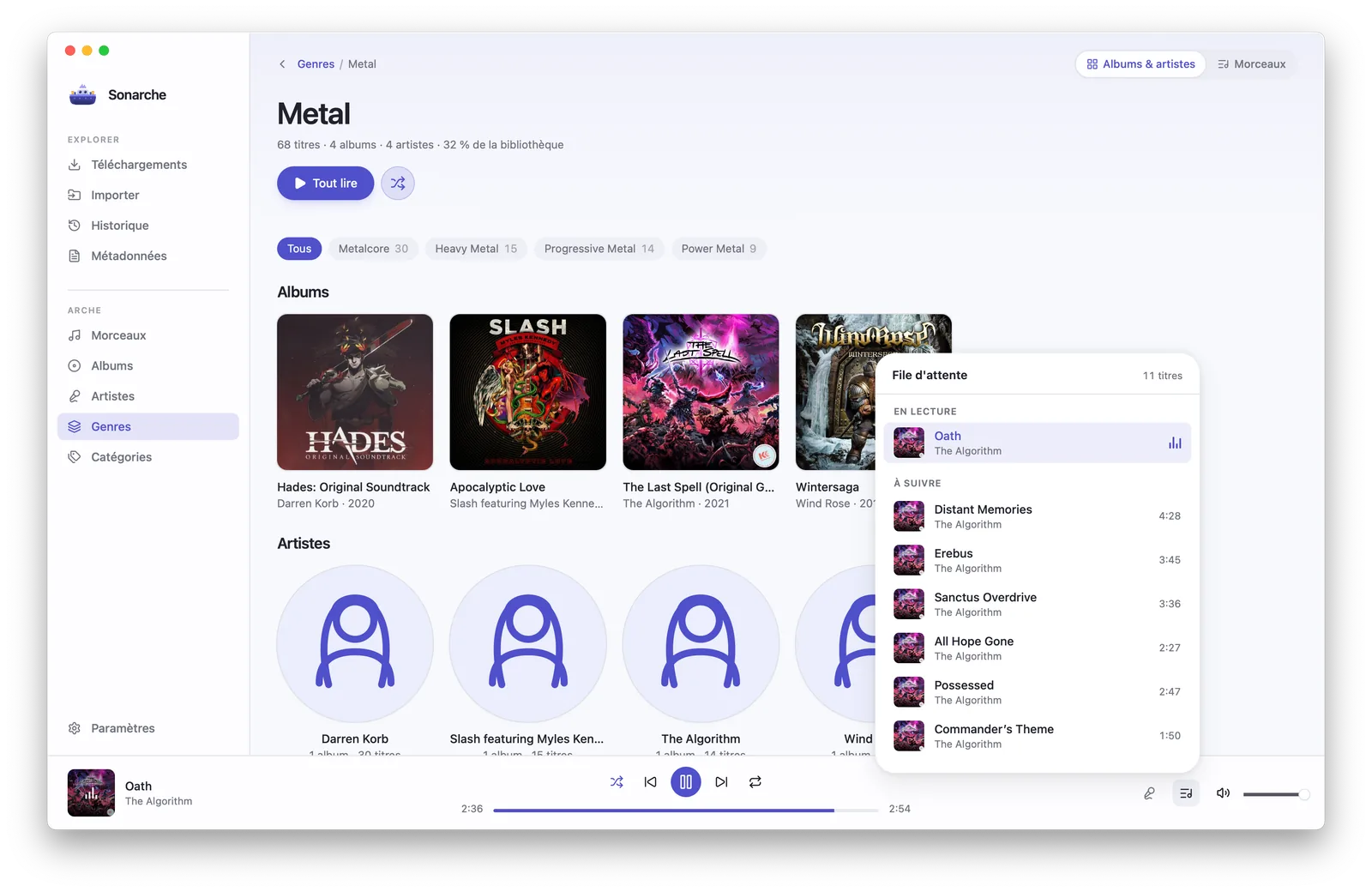
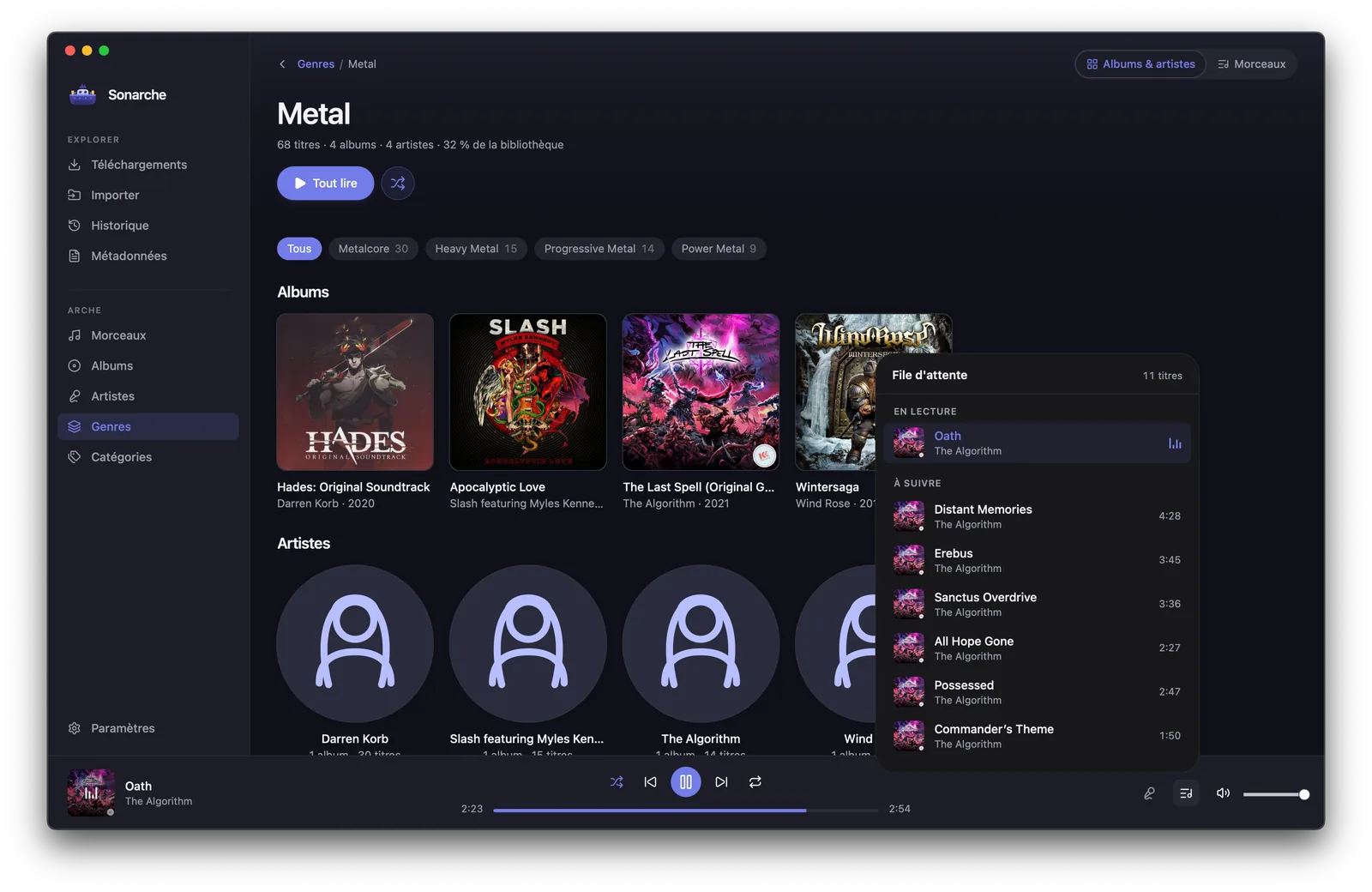
The last step of the old way was moving files into some other player. Sonarche is the player too: a native Rust audio engine, so tracks start on the beat and gapless albums stay gapless.
Oath
The Algorithm
THE REAL THING
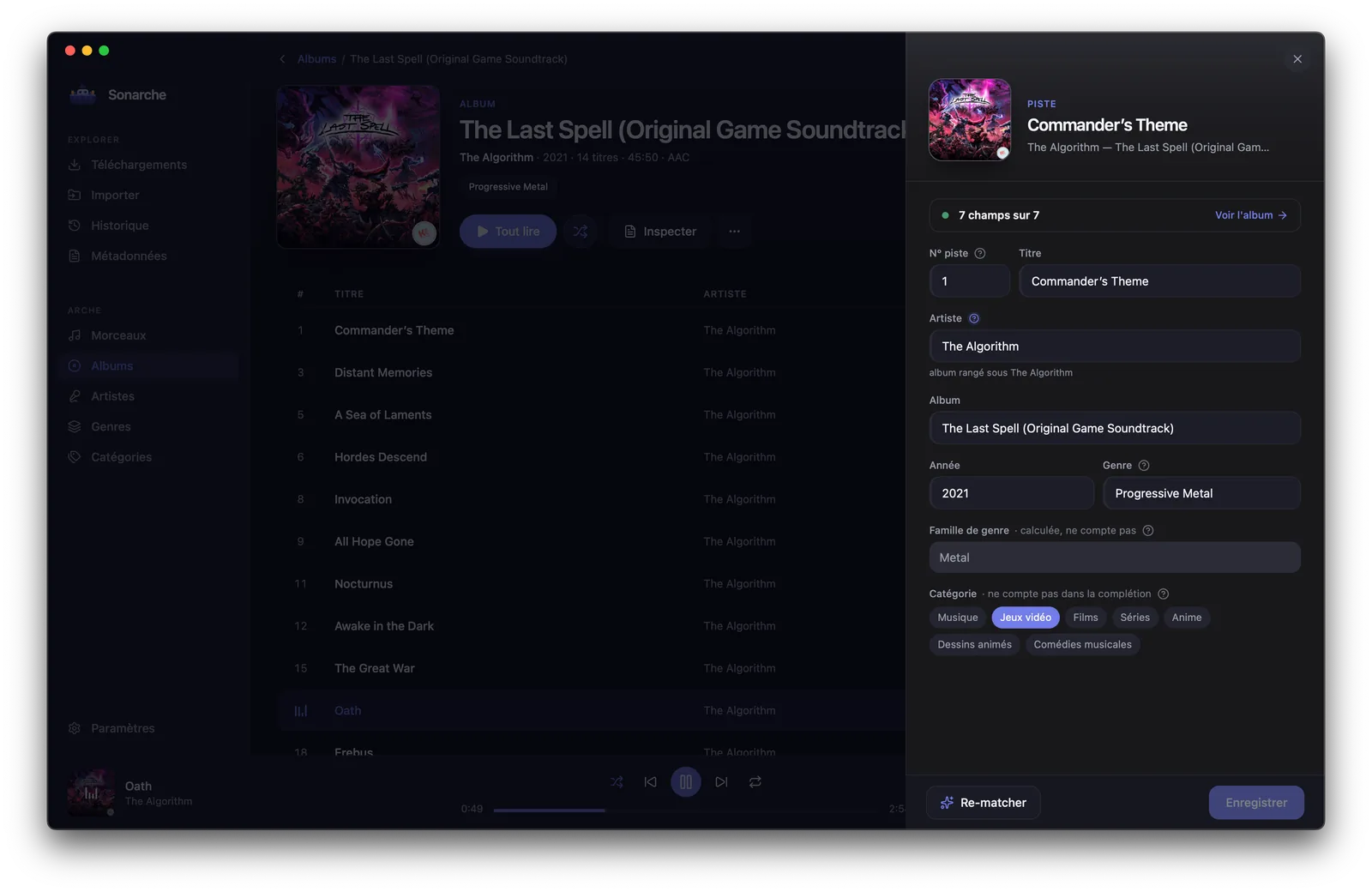
This is what the deck looks like.
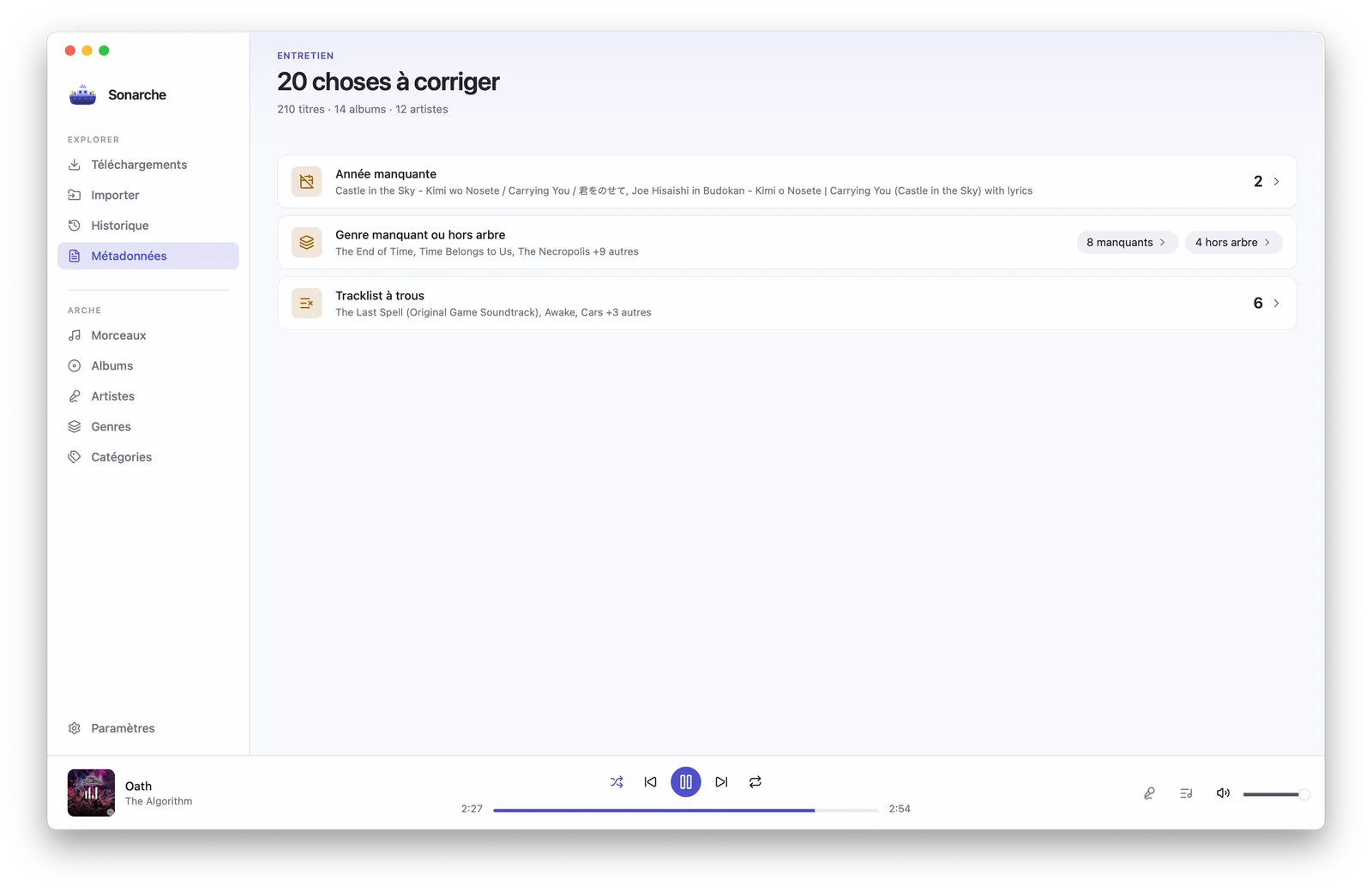
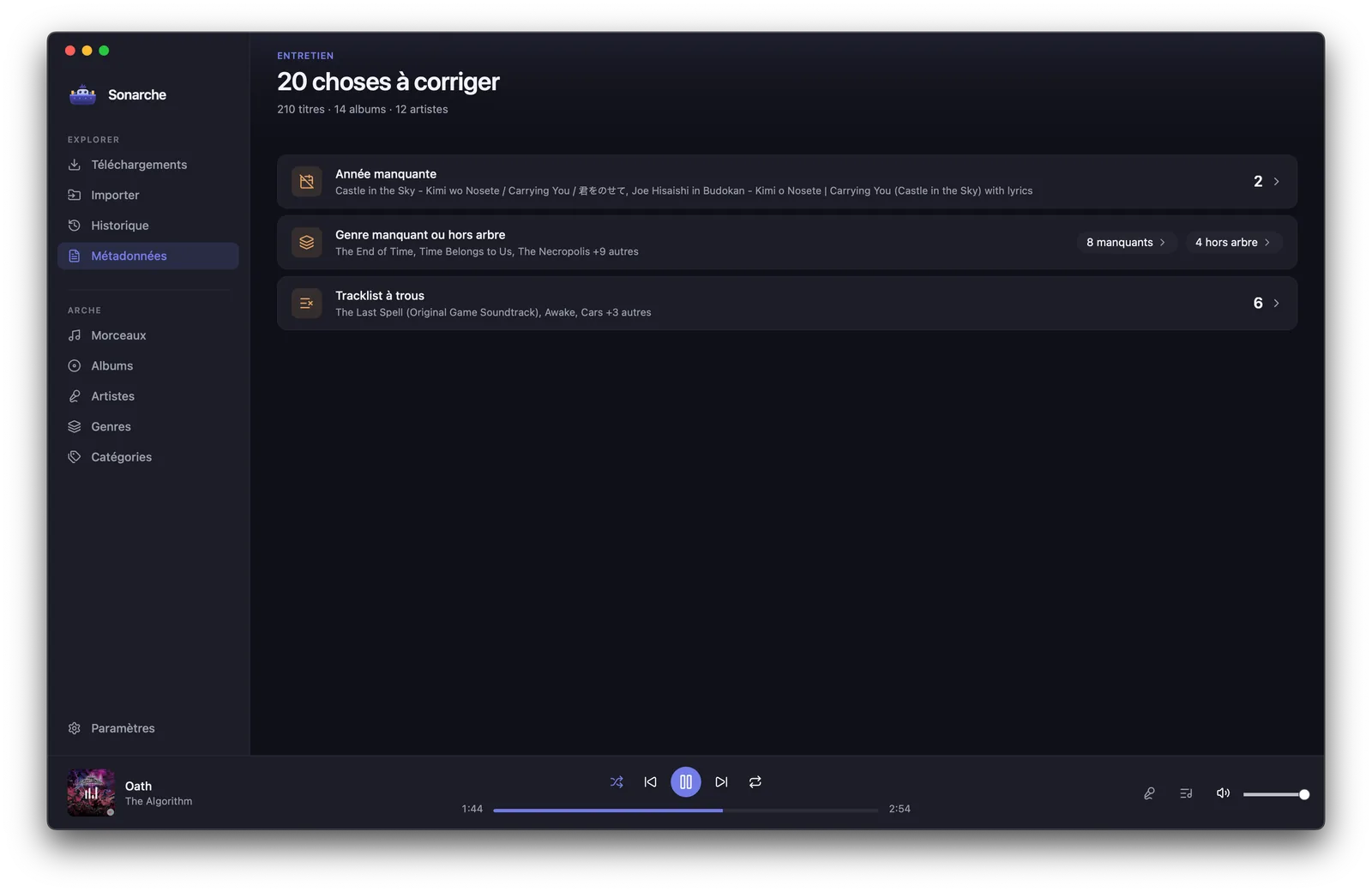
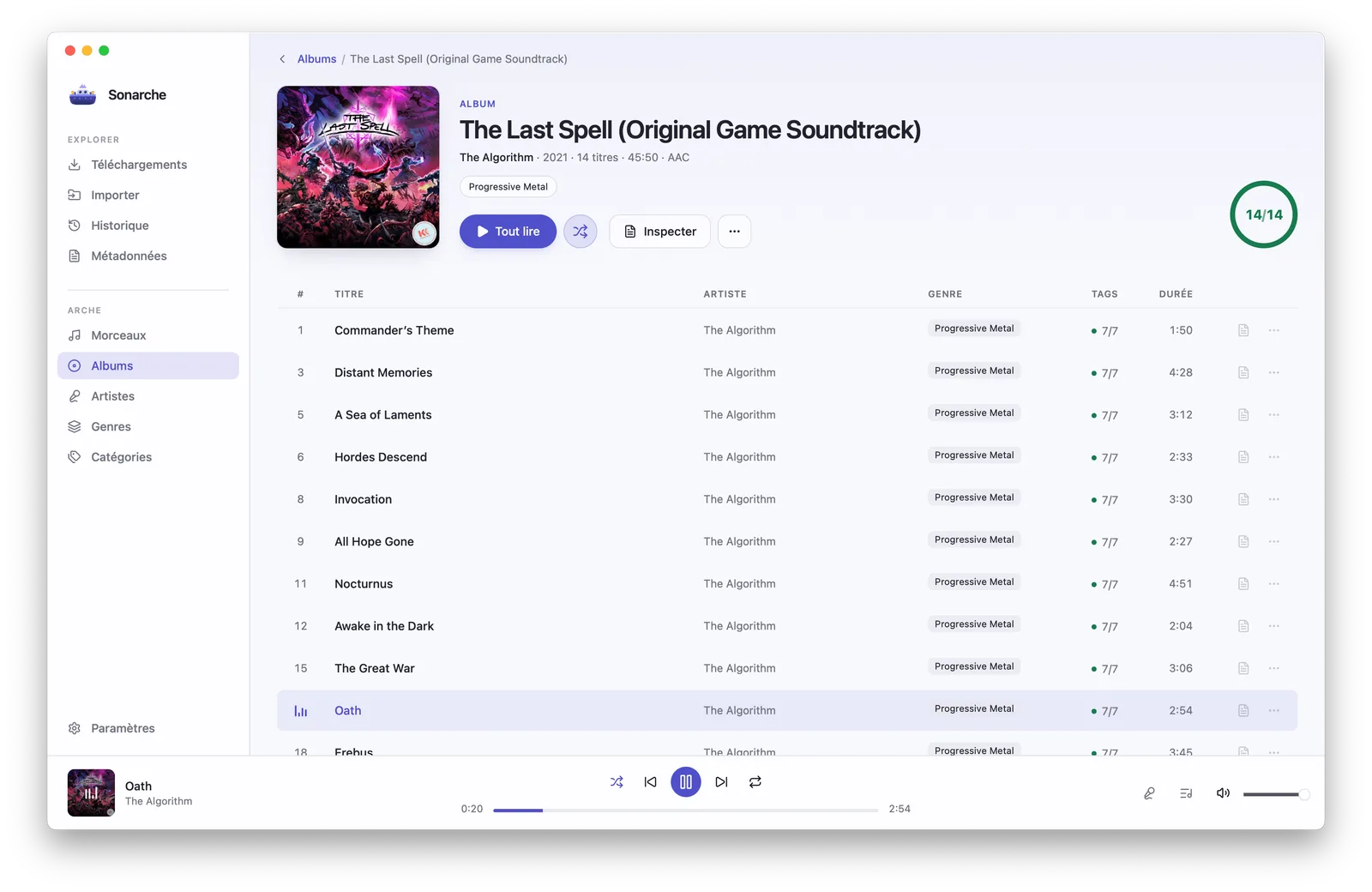
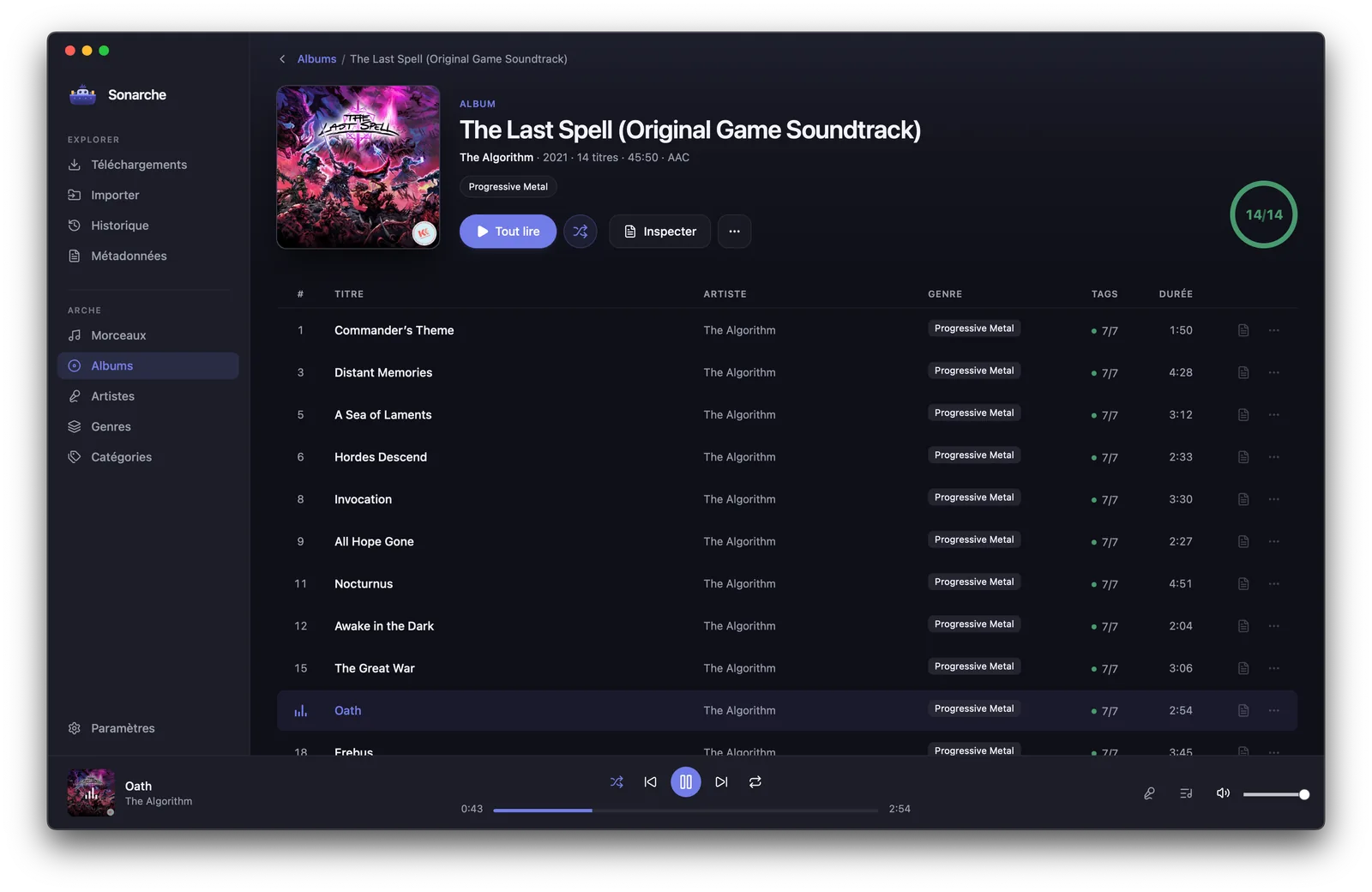
01 / 05
An album, whole
Fourteen tracks, fourteen complete tag sets, the right cover, and it plays from the very same window.
FIRST LAUNCH
Your system will hesitate. Once.
Sonarche isn't signed by Apple or Microsoft. Those are yearly certificate fees, not security audits, and this project chose the code-is-public route instead. So the very first launch costs you one extra click, on either platform.
MACOS
Gatekeeper says « Apple could not verify that this app is free of malware ».
right-click the app → Open → Open
Or once it's blocked: System Settings → Privacy & Security → Open Anyway.
WINDOWS
SmartScreen says « Windows protected your PC » and hides the button.
More info → Run anyway
Or before opening: right-click the file → Properties → Unblock.
After that, it's just your app.